Multiple inboxes
Read and reply to existing accounts in one workspace. EU Inbox does not replace an email provider.
See the relevant workflow →EU Inbox in everyday work
Manage email without having to switch email provider.
Read and reply to existing accounts in one workspace. EU Inbox does not replace an email provider.
See the relevant workflow →Follow conversations in context and check your next reply against the previous messages.
See the relevant workflow →Find an older message before sending a request to the team again.
See the relevant workflow →Step by step
Add an account using the sign-in method provided by its email provider.
Check folders, existing messages and permission to send.
Add more accounts as needed and find messages in the shared view.
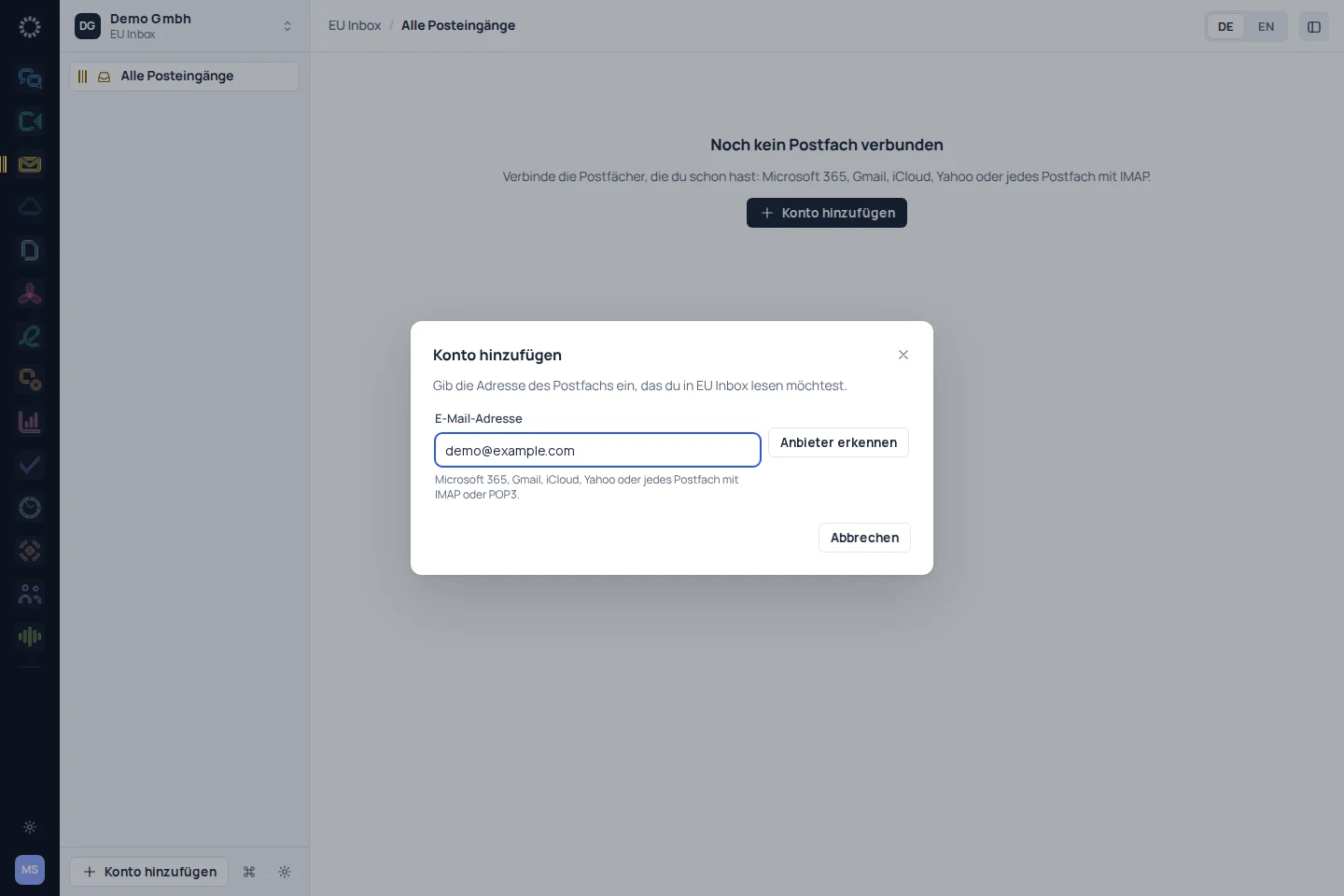
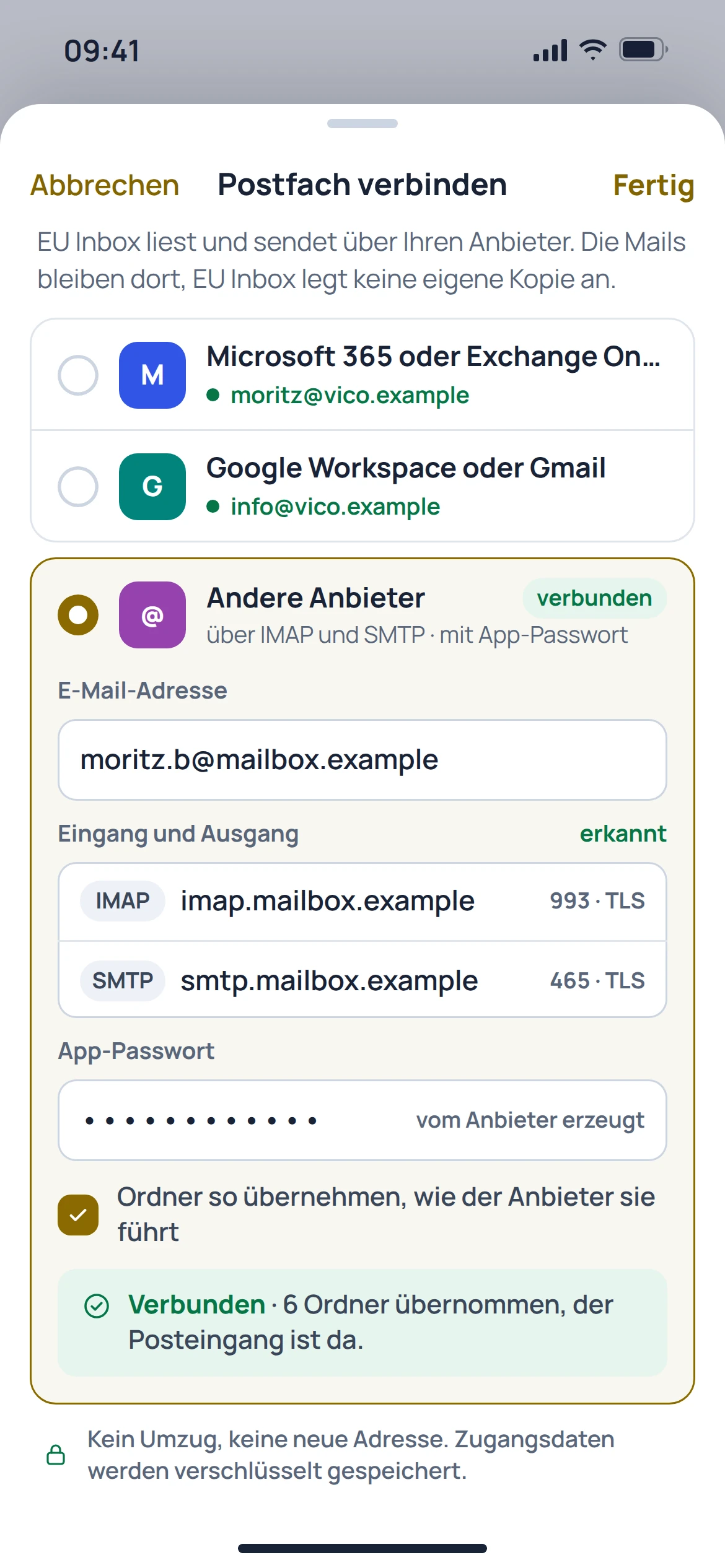
Before getting started
No. EU Inbox is an app for existing mailboxes, not an email provider of its own.
Your mailboxes stay with your existing provider. Access is set up in the app; this does not guarantee a complete copy of all provider data.
A shared search across connected accounts is documented. What is accessible depends on the connection set up and its permissions.
No. Calendar features and the transfer of contacts need to be checked separately; the website catalogue marks the relevant workflows as in preparation.