The provider stays the same. The view is shared.
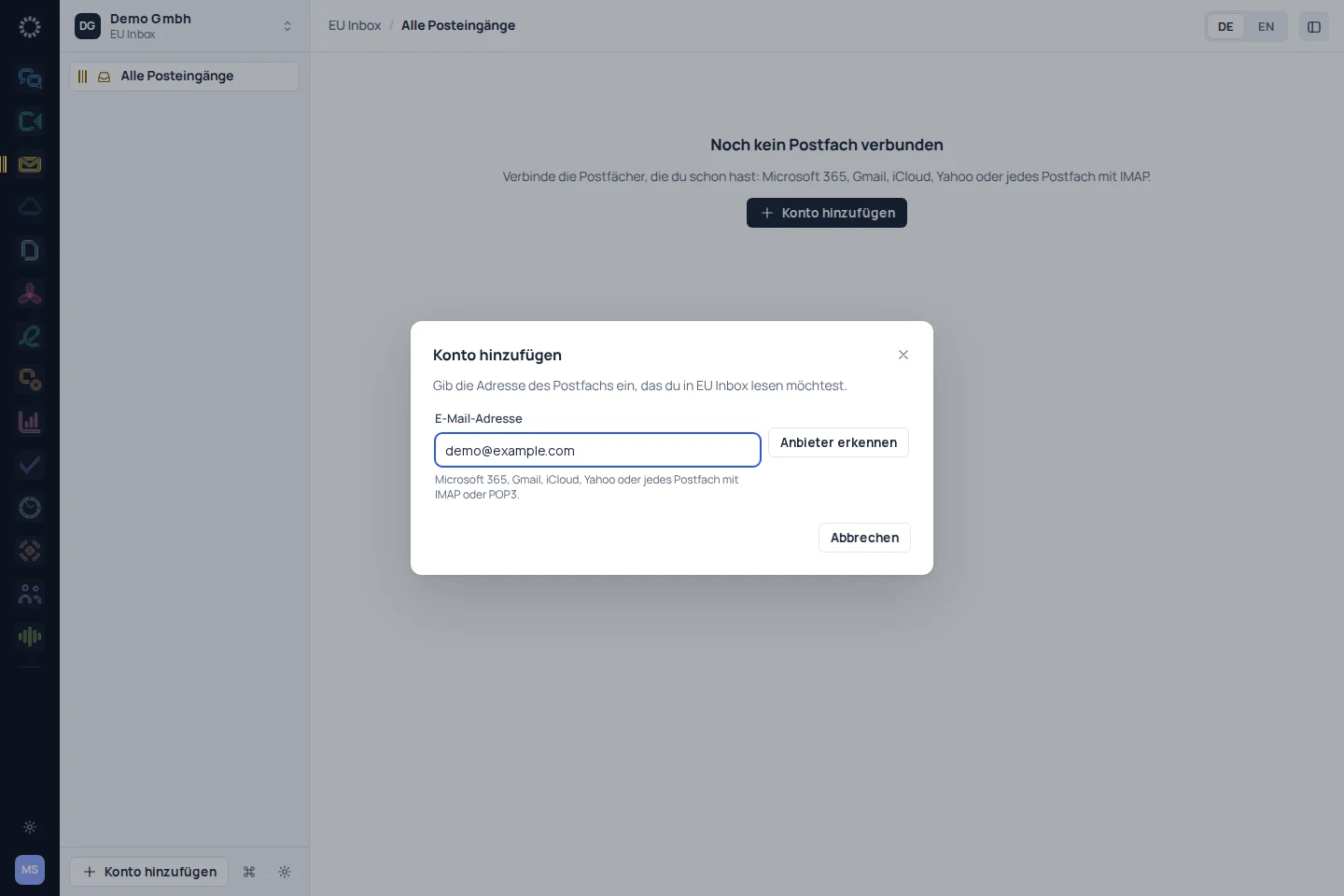
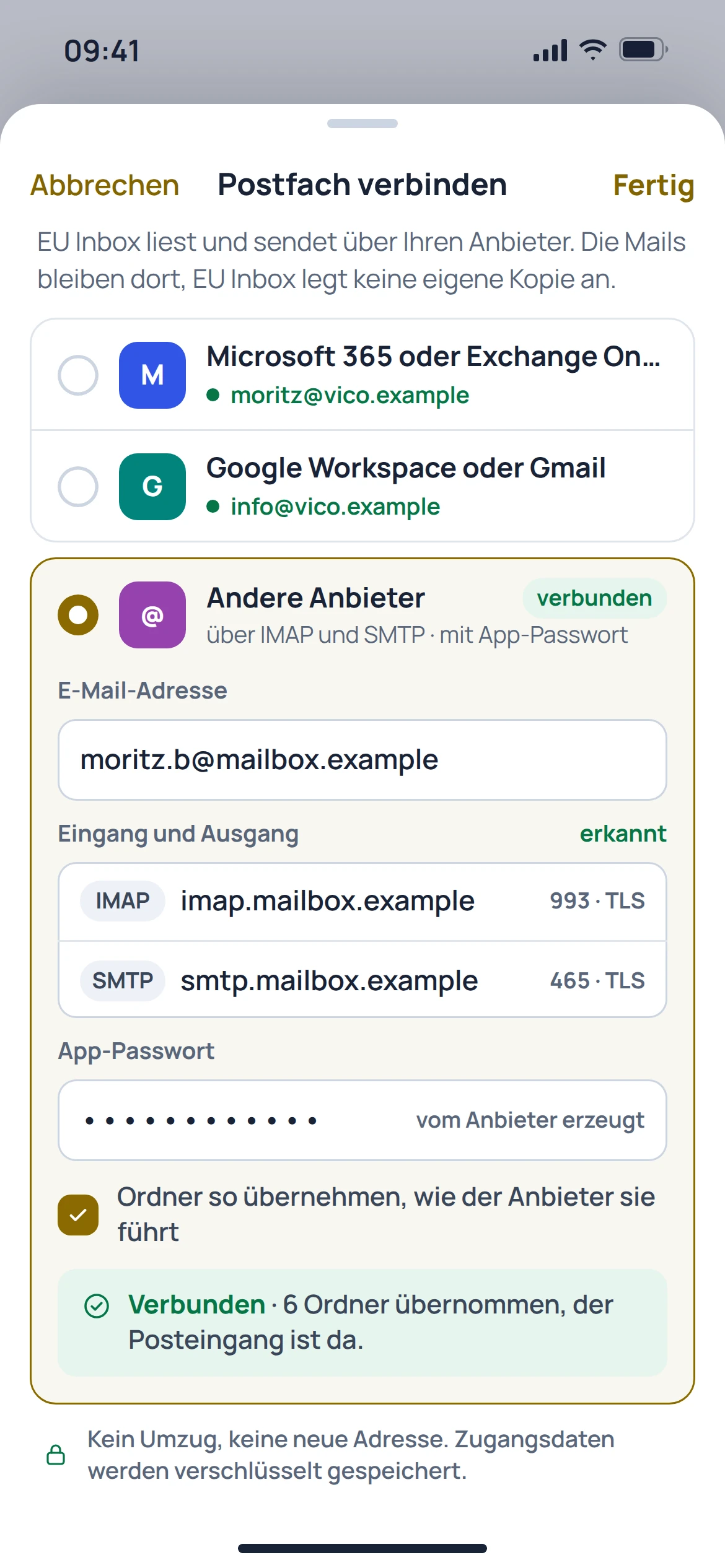
You can organise multiple accounts side by side. The available connection options depend on the provider and its sign-in and access rules.
View in detail
 EU Inbox
EU Inbox brings existing mailboxes together in one app. Your addresses and providers stay the same, while you manage messages, conversations and search in one place.
Manage email without having to switch email provider.
Work at the centre
You can organise multiple accounts side by side. The available connection options depend on the provider and its sign-in and access rules.
View in detailThe inbox view groups messages into conversations. Replies, forwarding and unsent messages remain part of the familiar email workflow.
View in detailThe catalogue's search brings together results across connected accounts. Filters help you find messages with attachments, for example.
View in detailFrom getting started to results
Add an account using the sign-in method provided by its email provider.
Check folders, existing messages and permission to send.
Add more accounts as needed and find messages in the shared view.
Switch with confidence
Inbox replaces the email app, not the email provider. Connecting a mailbox is separate from importing old settings, contacts or calendars.
Prepare your migrationIn preparation
Check the provider, the address you use and the permitted sign-in method.
Migration is in preparation. The importers haven't been built yet. This shows what's meant to come across, not what already works today.
Individual product or shared Suite
The plan preview shows the planned individual plans and bundle options. Binding terms are available in the control centre.
View plans and bundlesMultiple inboxes
Read and reply to existing accounts in one workspace. EU Inbox does not replace an email provider.
More applications →Before getting started
No. EU Inbox is an app for existing mailboxes, not an email provider of its own.
Your mailboxes stay with your existing provider. Access is set up in the app; this does not guarantee a complete copy of all provider data.
A shared search across connected accounts is documented. What is accessible depends on the connection set up and its permissions.
No. Calendar features and the transfer of contacts need to be checked separately; the website catalogue marks the relevant workflows as in preparation.