EU Inbox · Features
What moves work forward.
Manage email without having to switch email provider.
01 · Feature in focus
The provider stays the same. The view is shared.
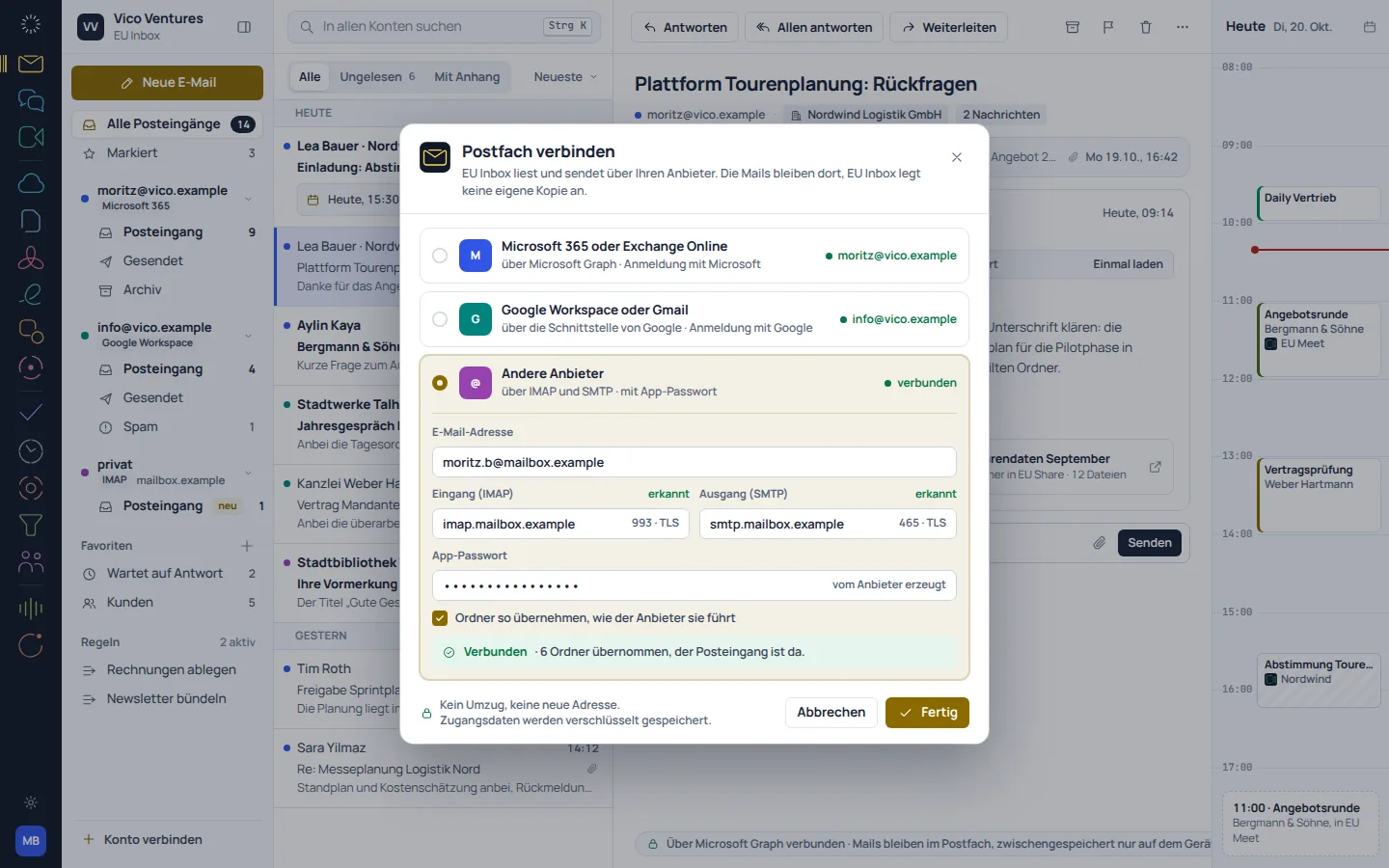
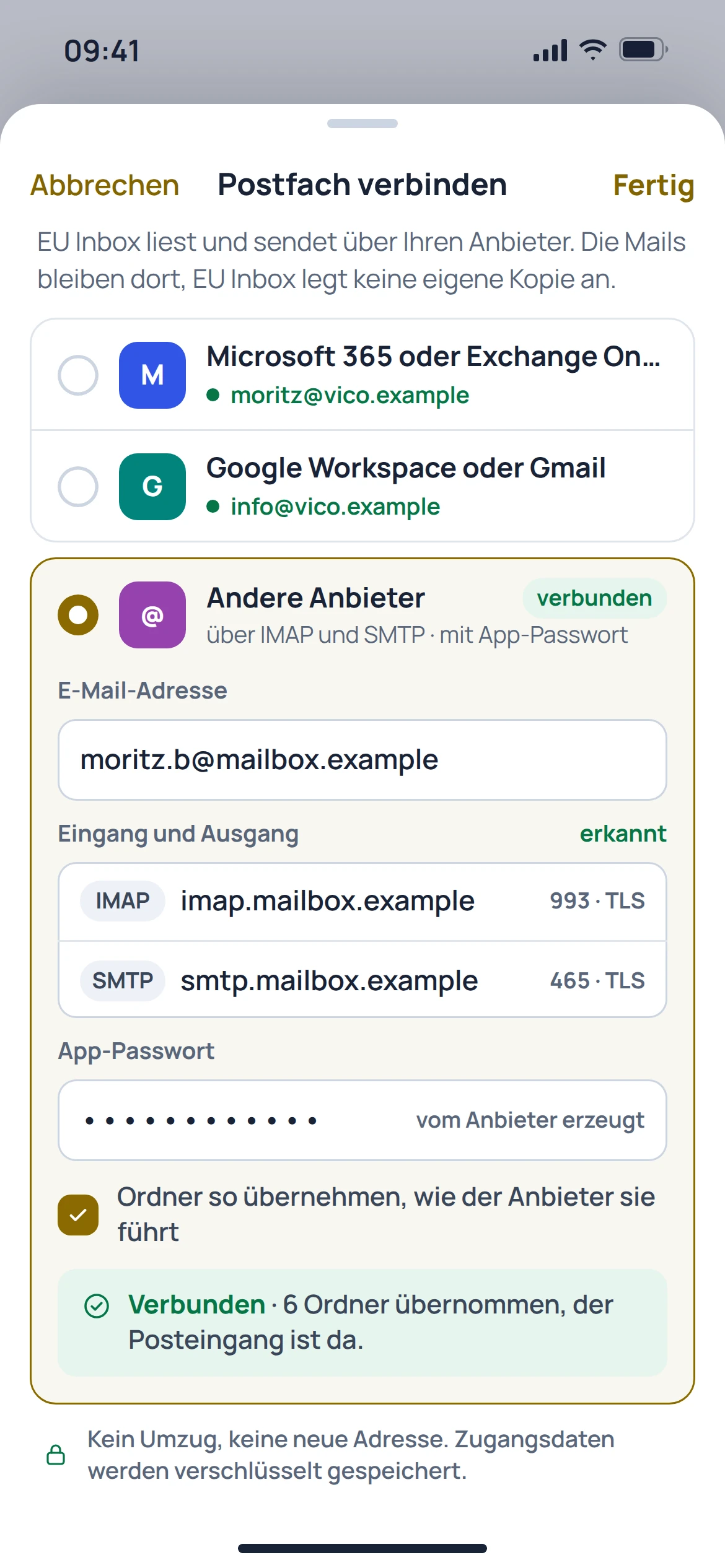
You can organise multiple accounts side by side. The available connection options depend on the provider and its sign-in and access rules.
- Multiple inboxes in one app
- Continue using existing email addresses
- Find accounts and their folders separately
02 · Feature in focus
Read replies in context.
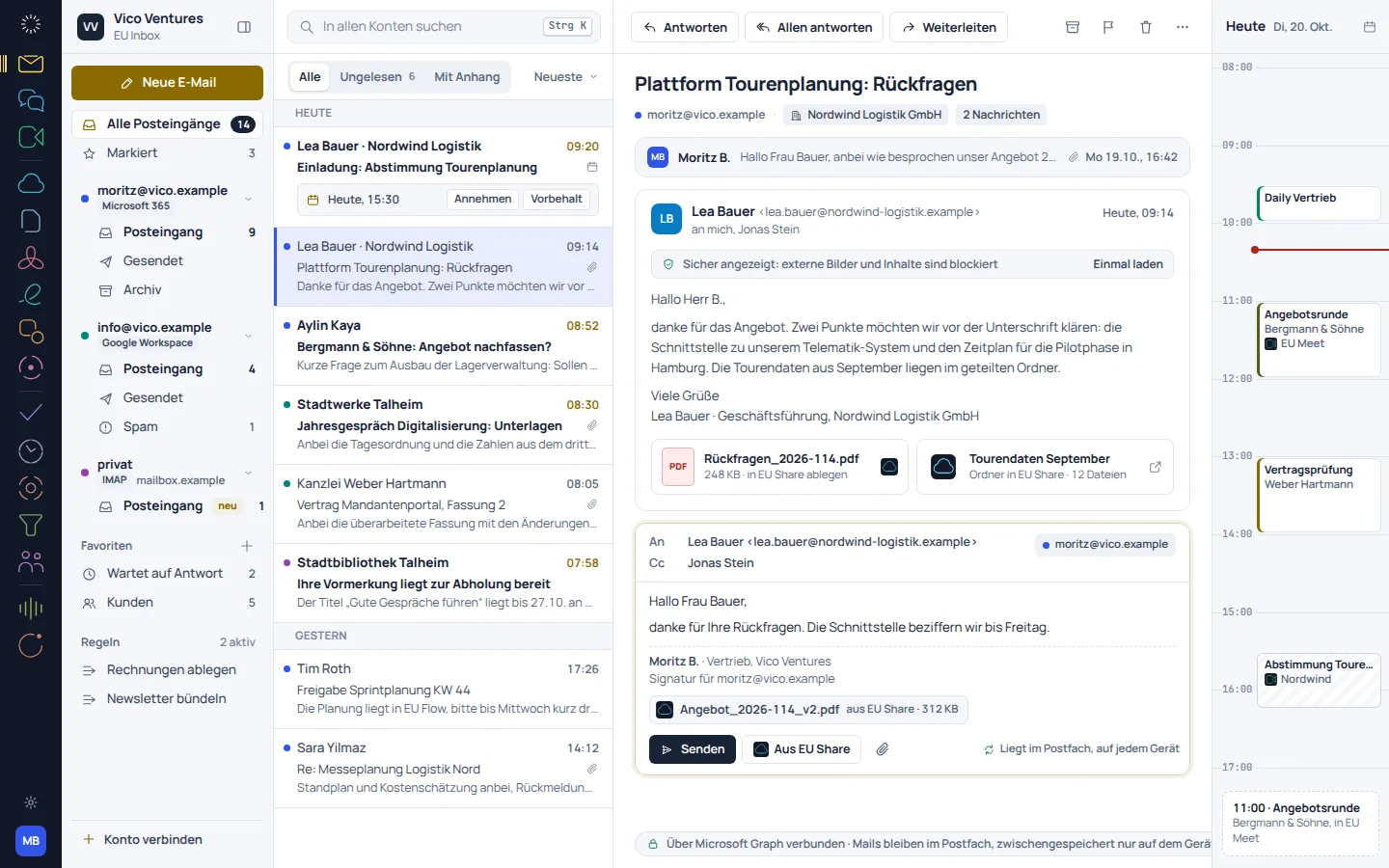
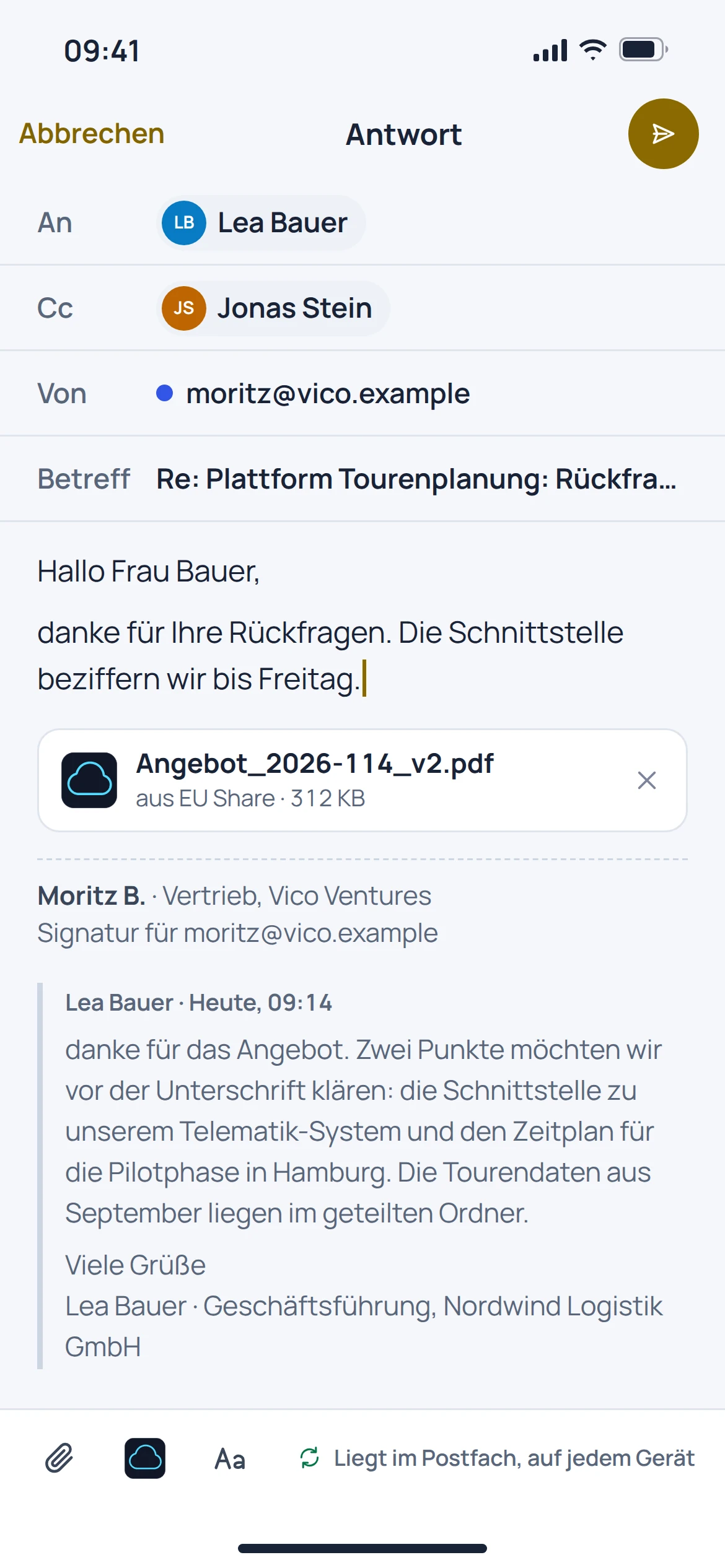
The inbox view groups messages into conversations. Replies, forwarding and unsent messages remain part of the familiar email workflow.
- View messages as conversations
- Reply and forward
- Edit attachments and prepared messages
03 · Feature in focus
One search for a clear overview.
The catalogue's search brings together results across connected accounts. Filters help you find messages with attachments, for example.
- Search across connected accounts
- Filter results by messages with attachments
- Match results to the right inbox
Before getting started
Good to know.
Will Inbox give me a new email address?
No. EU Inbox is an app for existing mailboxes, not an email provider of its own.
Do my emails need to move to EU Suite?
Your mailboxes stay with your existing provider. Access is set up in the app; this does not guarantee a complete copy of all provider data.
Can I search across multiple mailboxes?
A shared search across connected accounts is documented. What is accessible depends on the connection set up and its permissions.
Are calendars and contacts included automatically?
No. Calendar features and the transfer of contacts need to be checked separately; the website catalogue marks the relevant workflows as in preparation.